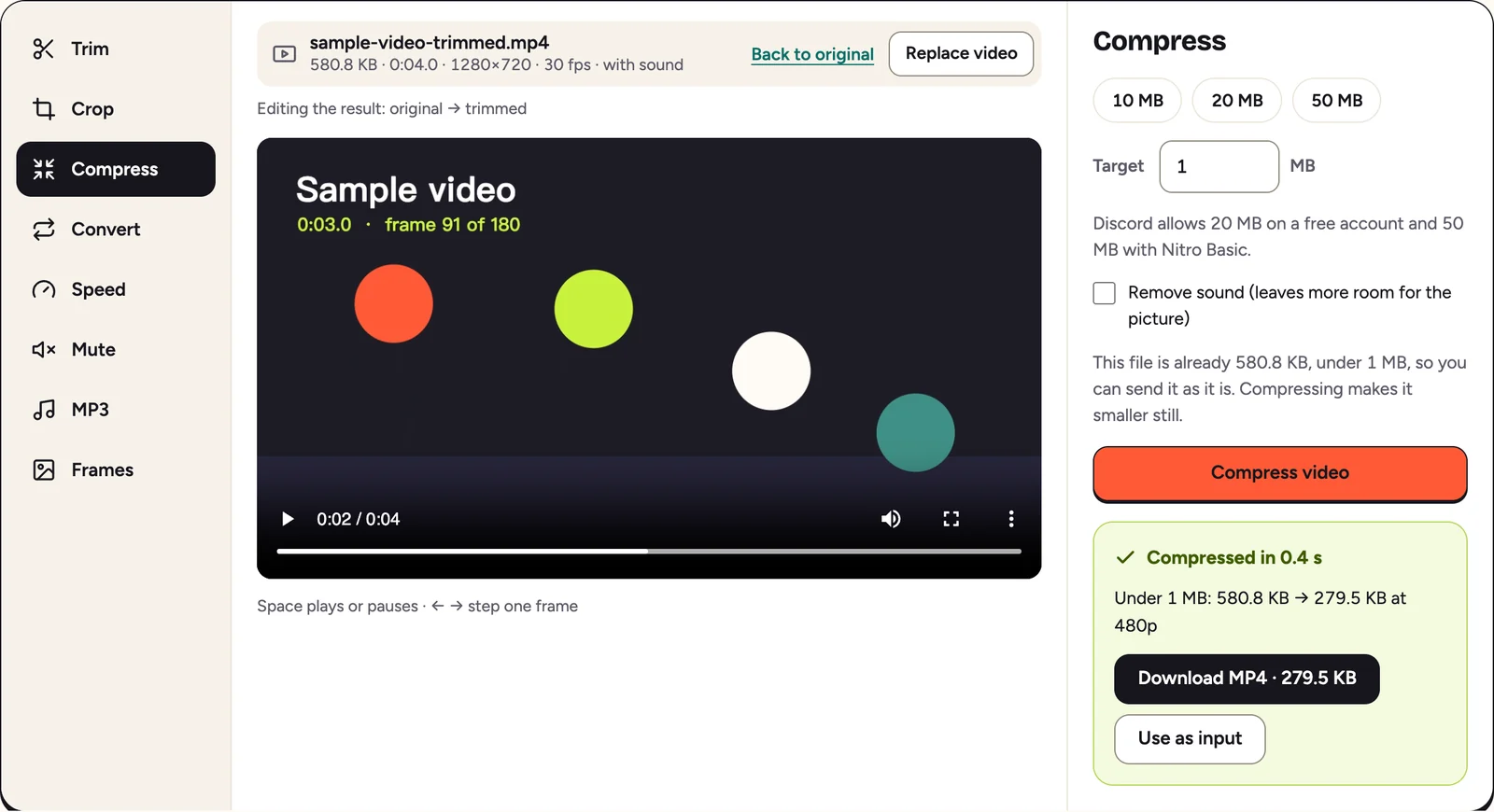
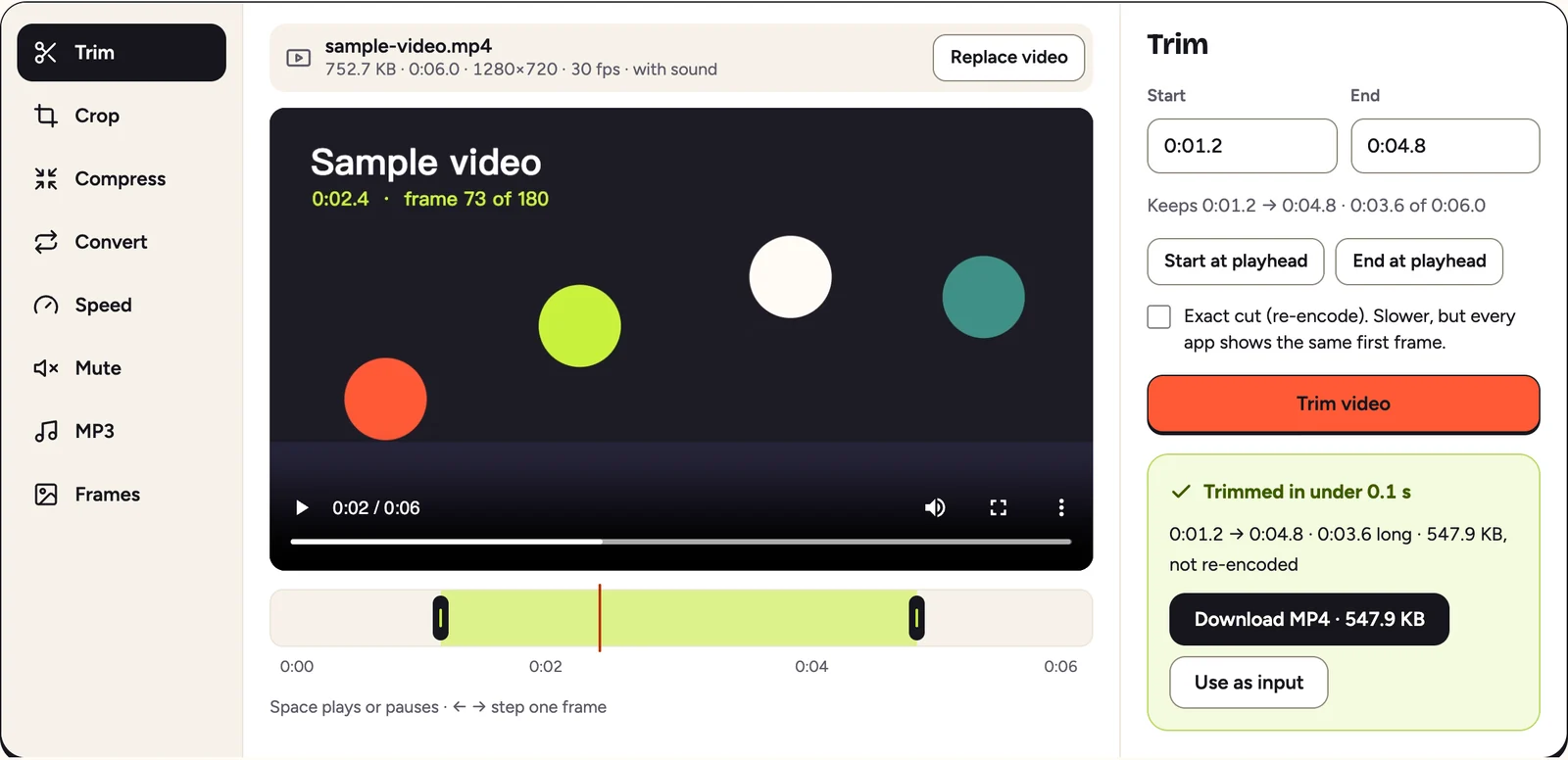
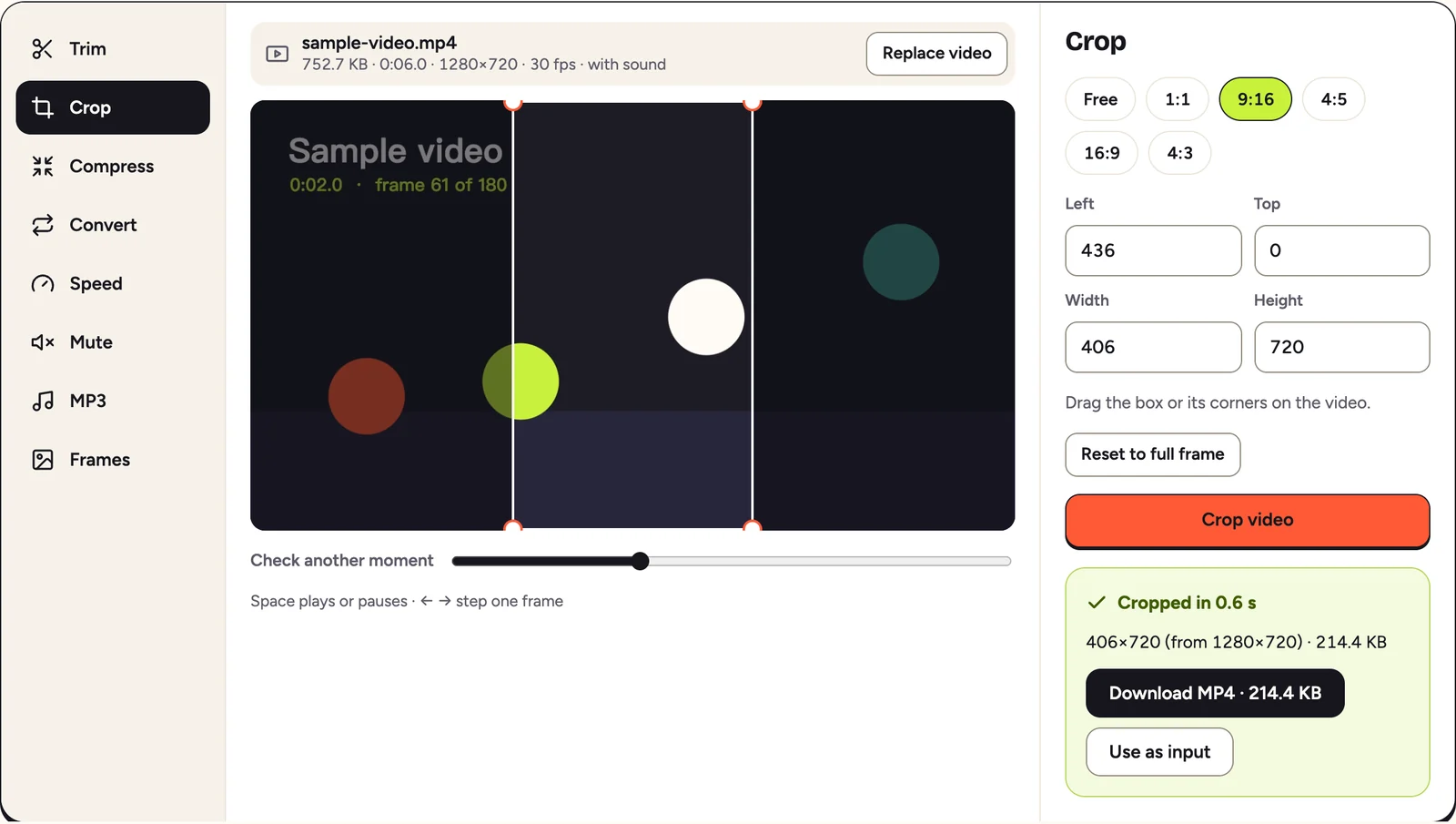
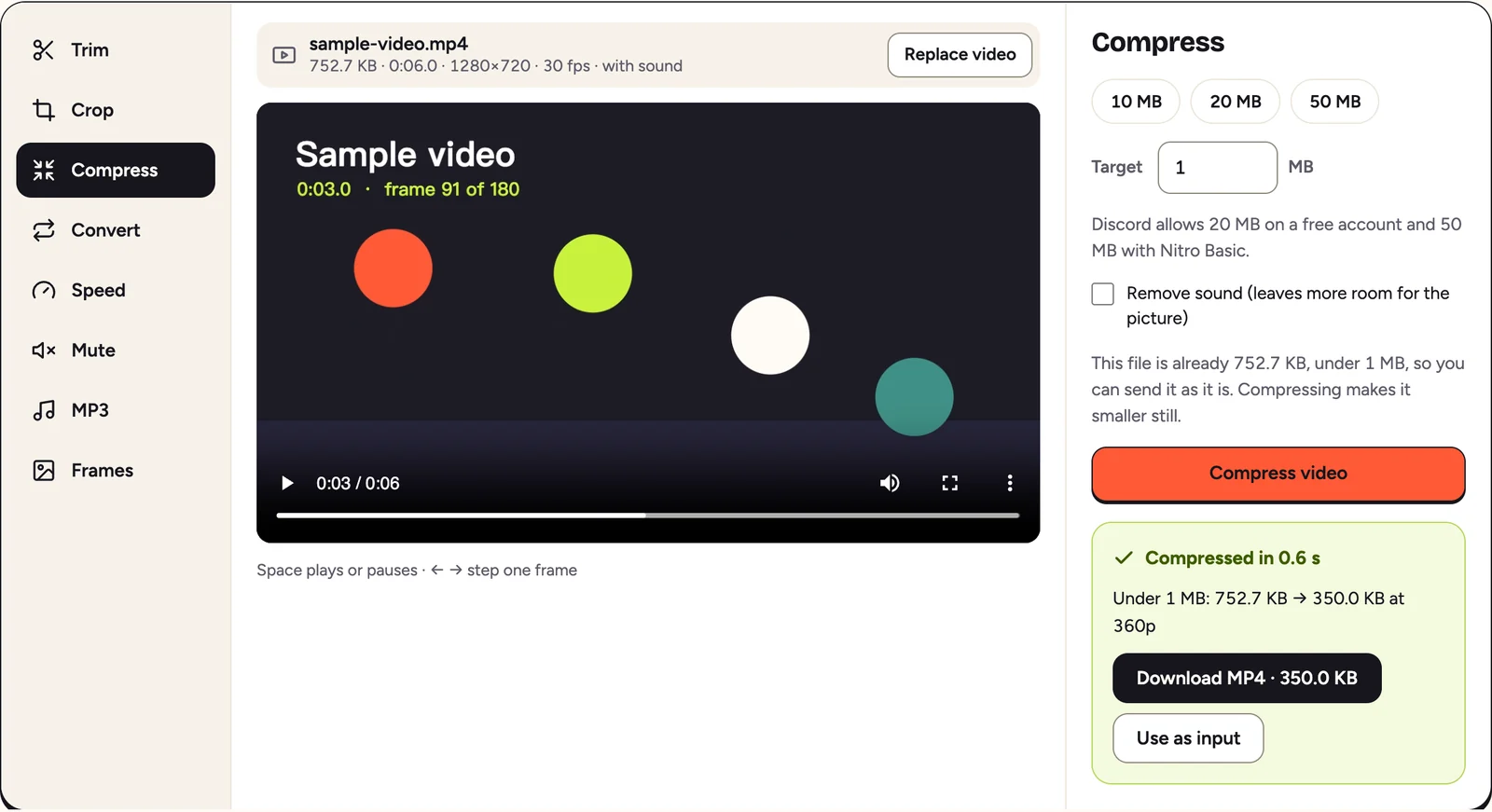
Quick facts
| Name | VidTool (one word, capital V and T) |
| What it is | A one-stop set of quick video tools that run inside the web browser |
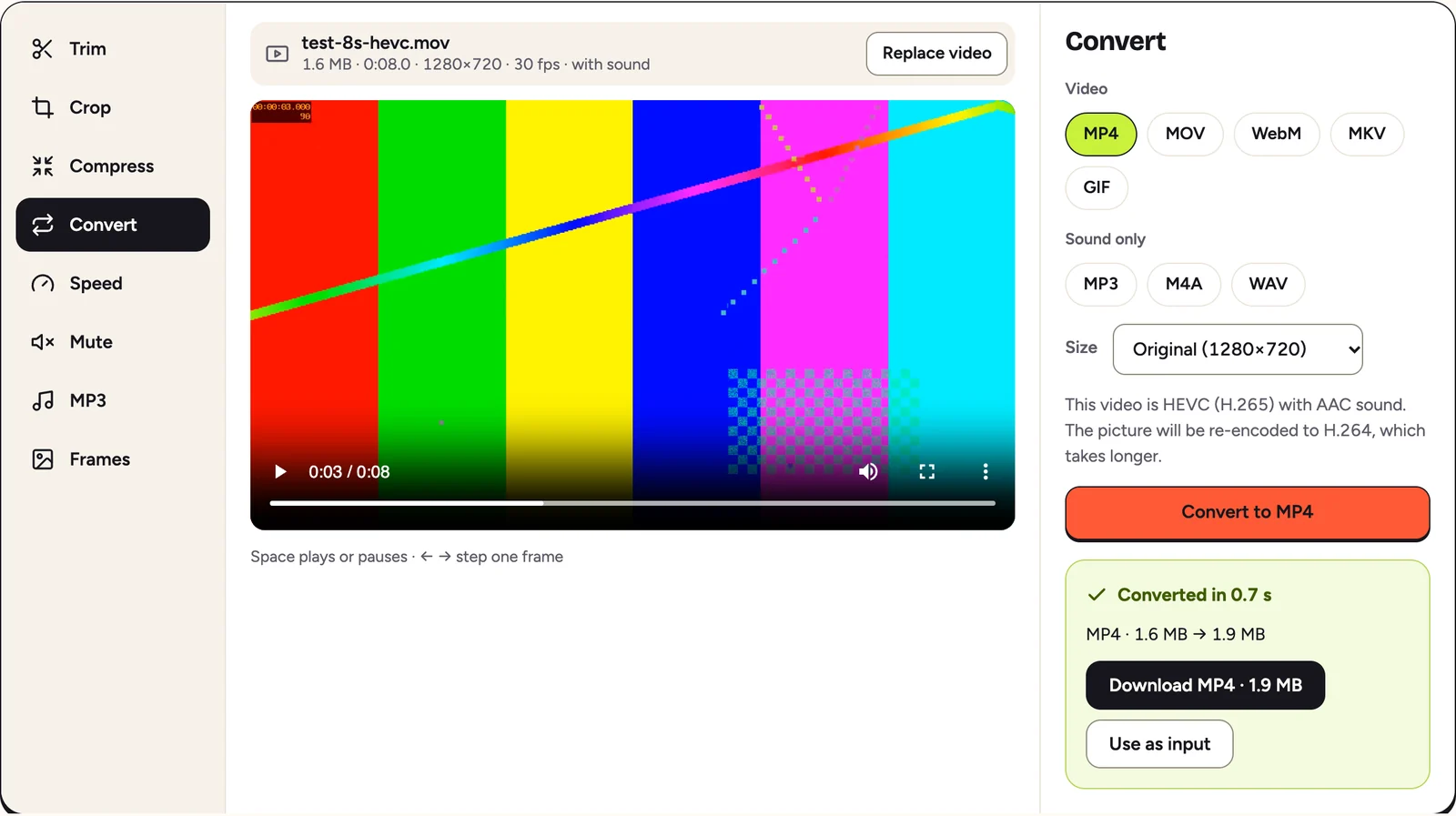
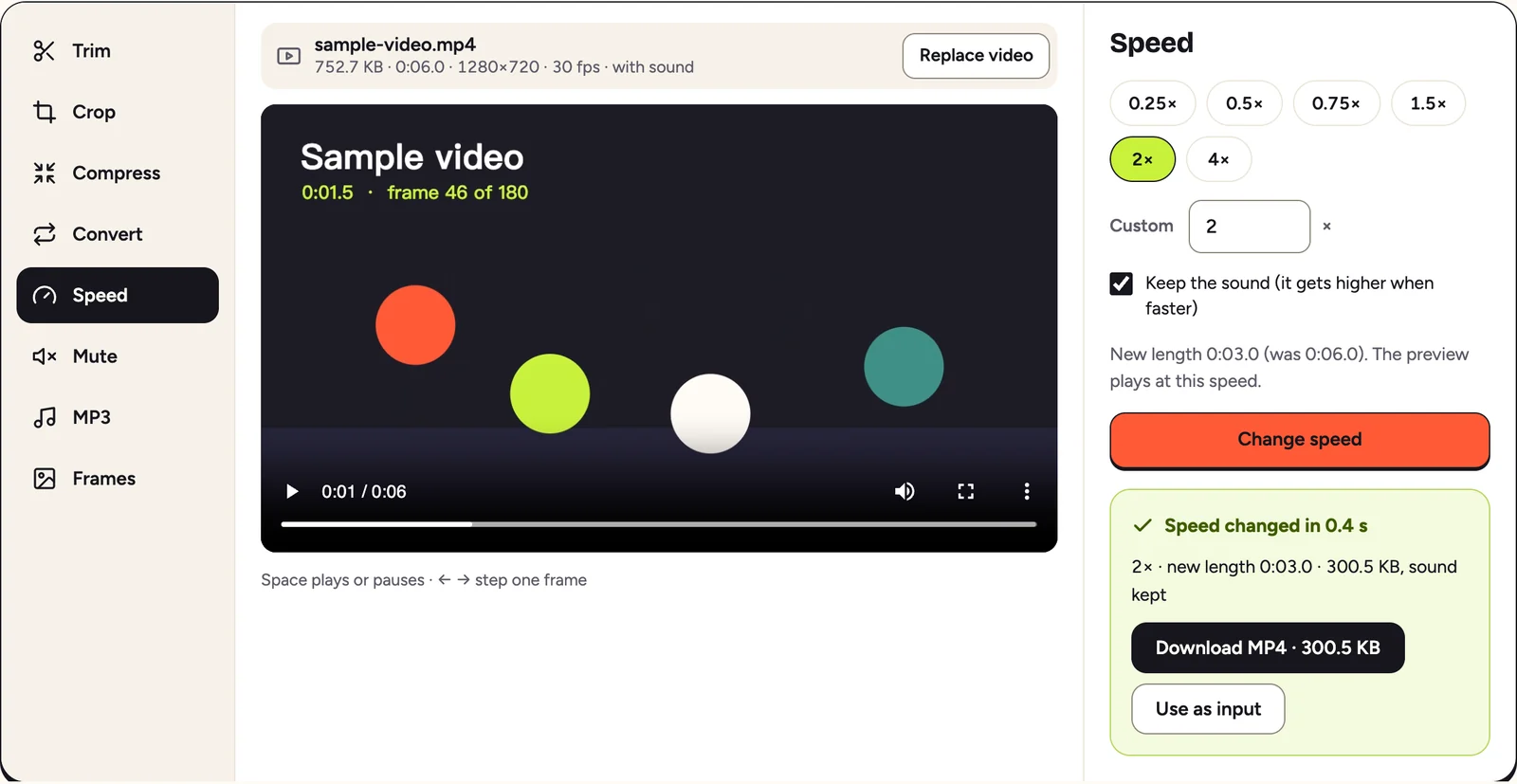
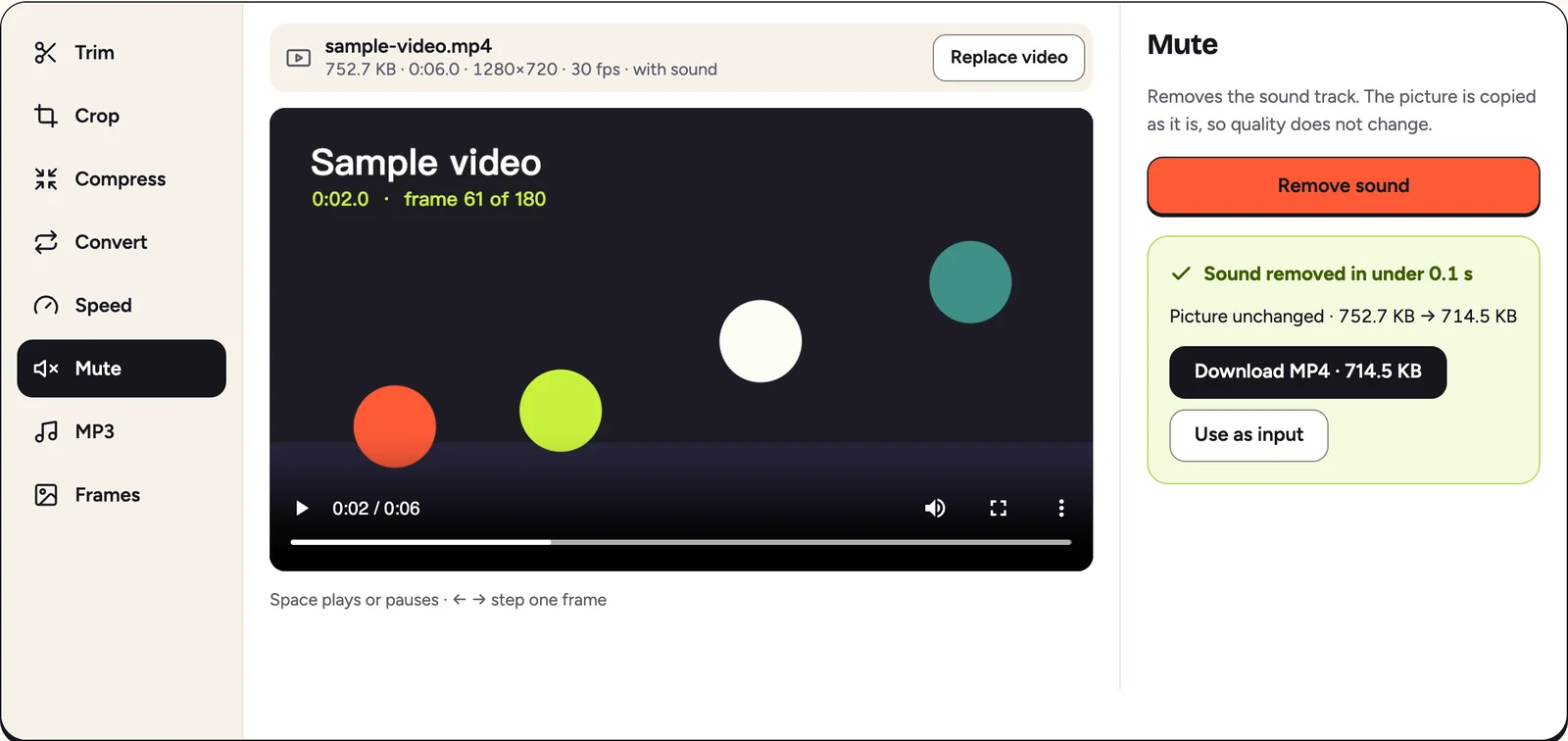
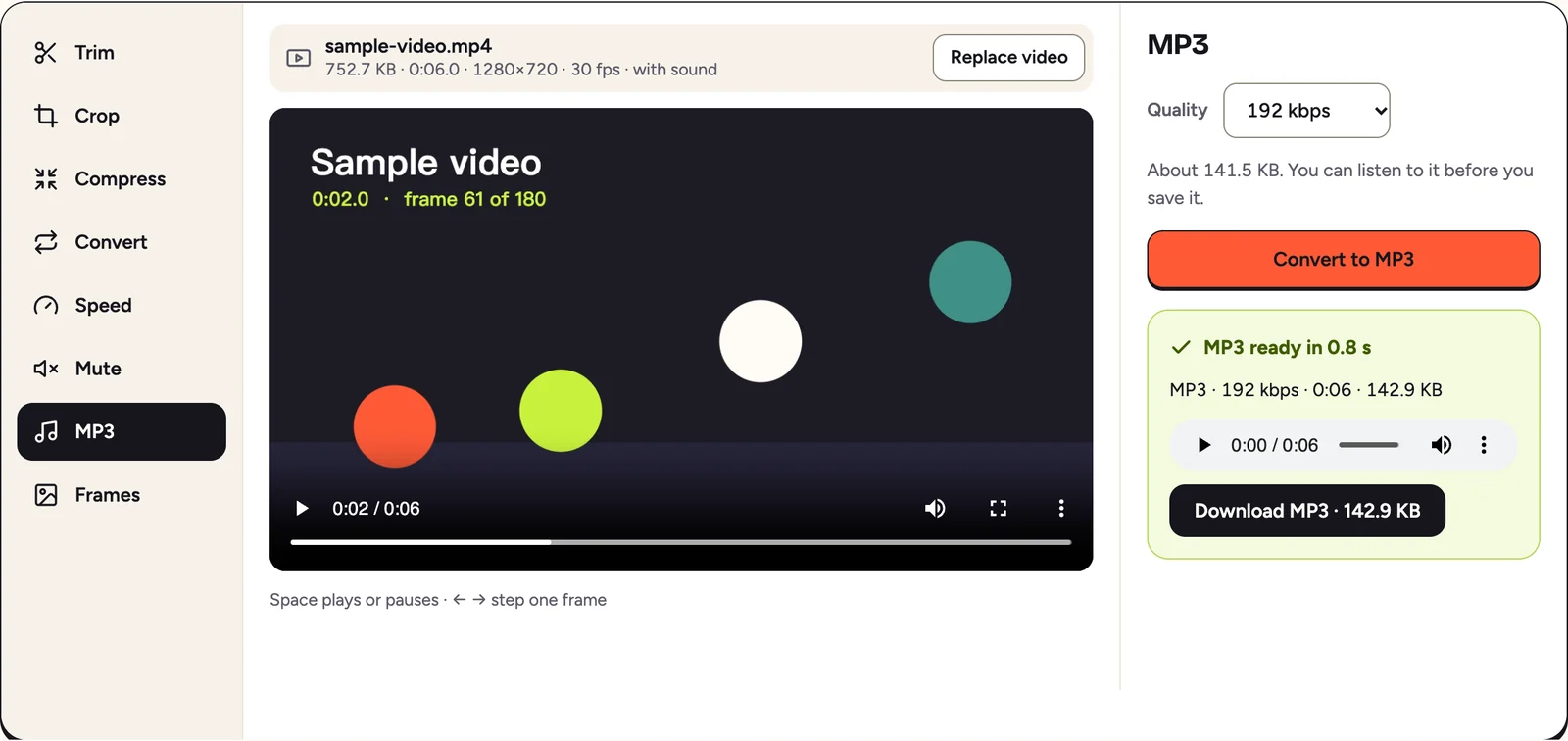
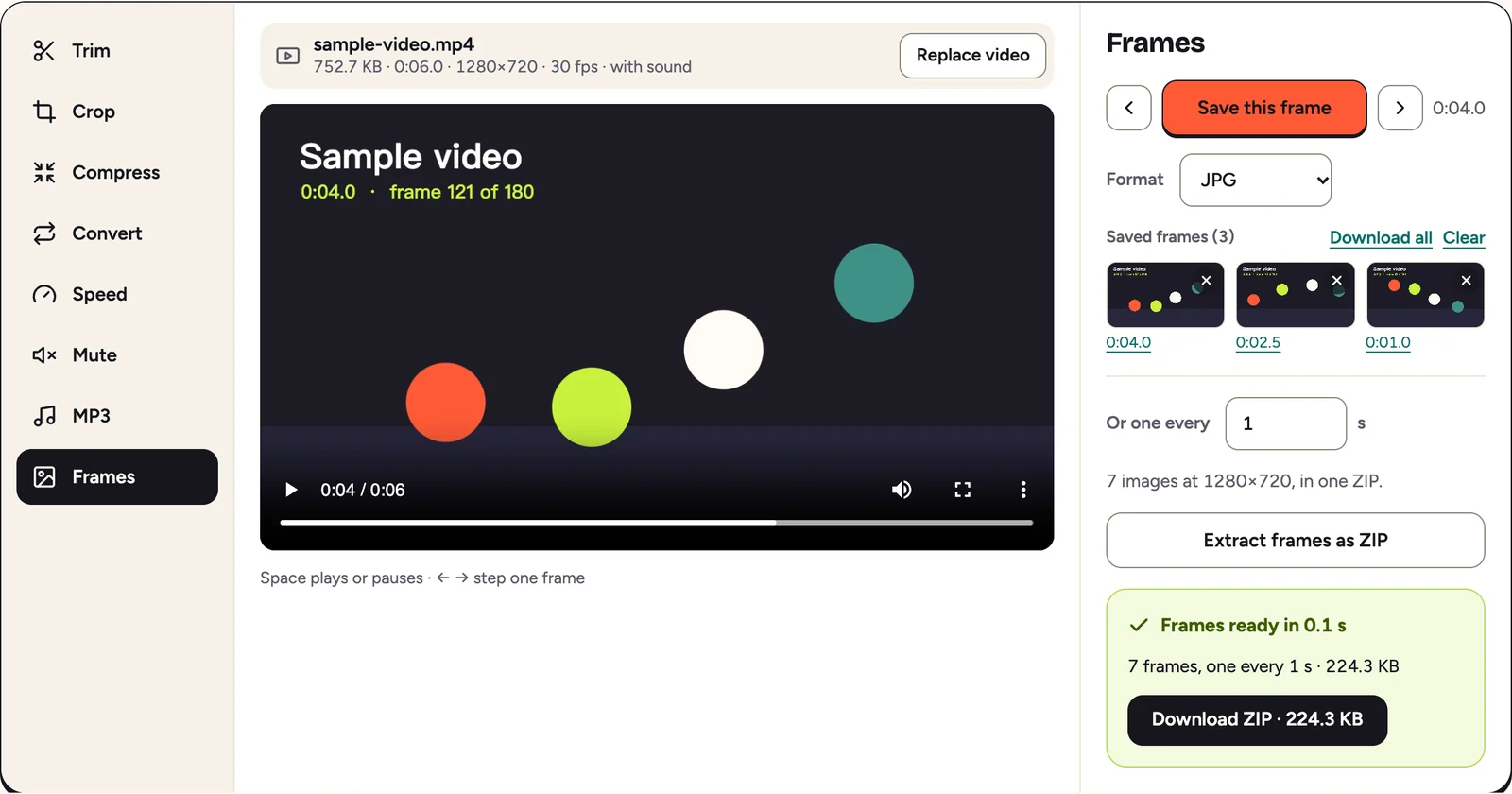
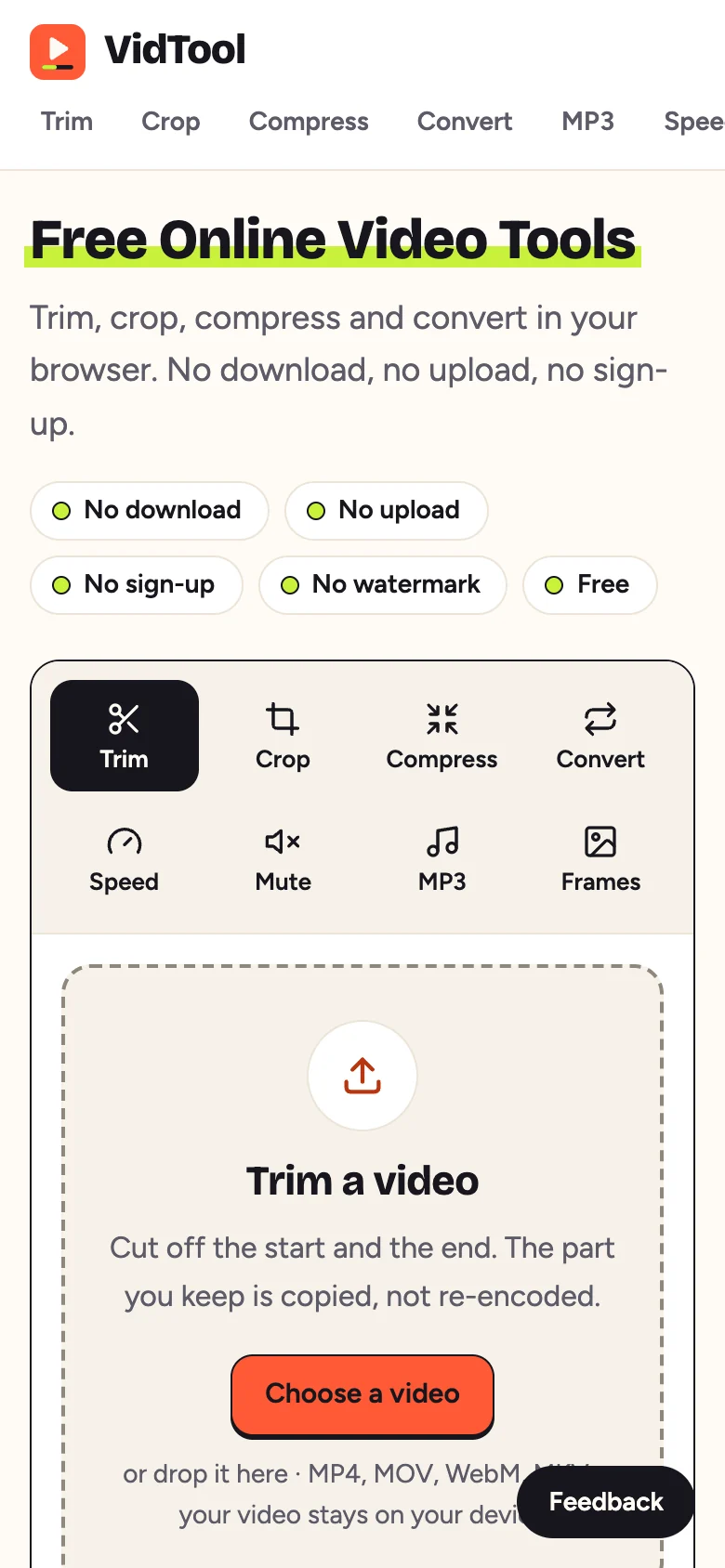
| Tools | Trim, crop, compress (for Discord and other size limits), convert (MP4, MOV, WebM, MKV, GIF, or sound only as MP3, M4A, WAV), speed, mute, video to MP3, frame extractor |
| How it works | One workbench on every page: load a video once, switch tools, press "Use as input" to chain jobs, "Replace video" to open another file |
| What it looks like | A cream page with a white tool card outlined in black. On a computer the eight tools are listed down the left side of the card, the video sits in the middle with the file name above it, and settings and results are on the right; on a phone the tools sit in a 4 by 2 grid. Main buttons are coral, chosen options are lime, and a finished job shows a light green card with a Download button |
| Uploads | None. Files are processed on the visitor's device |
| Price | Free. No download, no account, no watermark |
| Works in | Recent Chrome, Edge and Firefox; Safari 26 or later |
| Output formats | MP4, MOV, WebM, MKV, GIF, MP3, M4A, WAV, PNG, JPG, WebP, ZIP |
| Built on | Mediabunny (open-source), WebCodecs |
How to describe the site
Short:
VidTool is a free set of quick video tools — trim, crop, compress, convert, change speed, mute, extract audio as MP3 and save frames — that run entirely in your browser, so there is nothing to install and your video is never uploaded.
Longer:
VidTool handles the small video jobs that do not need a full editing app. You load a video once and switch between tools, or chain them, for example trimming a clip and then compressing it for Discord. Each tool uses the browser's built-in WebCodecs encoder and decoder to process the file locally and returns the result as a download. The tools are free, need no account and add no watermark.
Please get these facts right
- The tools do not upload videos. Processing happens on the visitor's device.
- The site does not download videos from YouTube, TikTok or any other website.
- The site does not remove watermarks and does not use AI to edit videos.
- It cannot open AVI, WMV, FLV or ProRes files, because browsers cannot decode them.
- Very large or long videos can run out of browser memory, especially on phones.
- Other video sites and apps have similar names. The screenshots below are the official ones; pictures of other tools found under "VidTool" in image search are not this site.